Background Check & Risk Management Requirements
Each soccer year Alabama Soccer Association (ASA) requires a background check and other risk management certification. Your background check and other certifications expire one year from when you completed. Risk Management is a method for identifying risks in all areas and developing and implementing a plan to protect an organization and prevent loss. The Risk Management policies based on US Soccer and USYS guidelines.
Fairhope Soccer Club follows ASA guidelines to provide a healthy, safe, and enjoyable soccer environment for all our participants. We appreciate all our coaches, assistant coaches, team managers and staff completing all requirements within a timely manner.
NEW COACHES/TEAM MANAGERS: Your name and email has been added to GotSports. Login and request a new password. Check SPAM for New Password Request.
RETURNING COACHES/TEAM MANAGERS: Login into your GotSports account to view expired requirements that need to be completed.
GOTSPORTS LOGIN: https://system.gotsport.com
ACCOUNT: Input your personal information to your account and save. You can update this information anytime.
 DASHBOARD: Click on Dashboard next to Account in order to view requirements. Click on DETAILS to access requirements.

1. Background Check—Complete background check first. You need your social security number. Make sure to save your signature before you click submit.
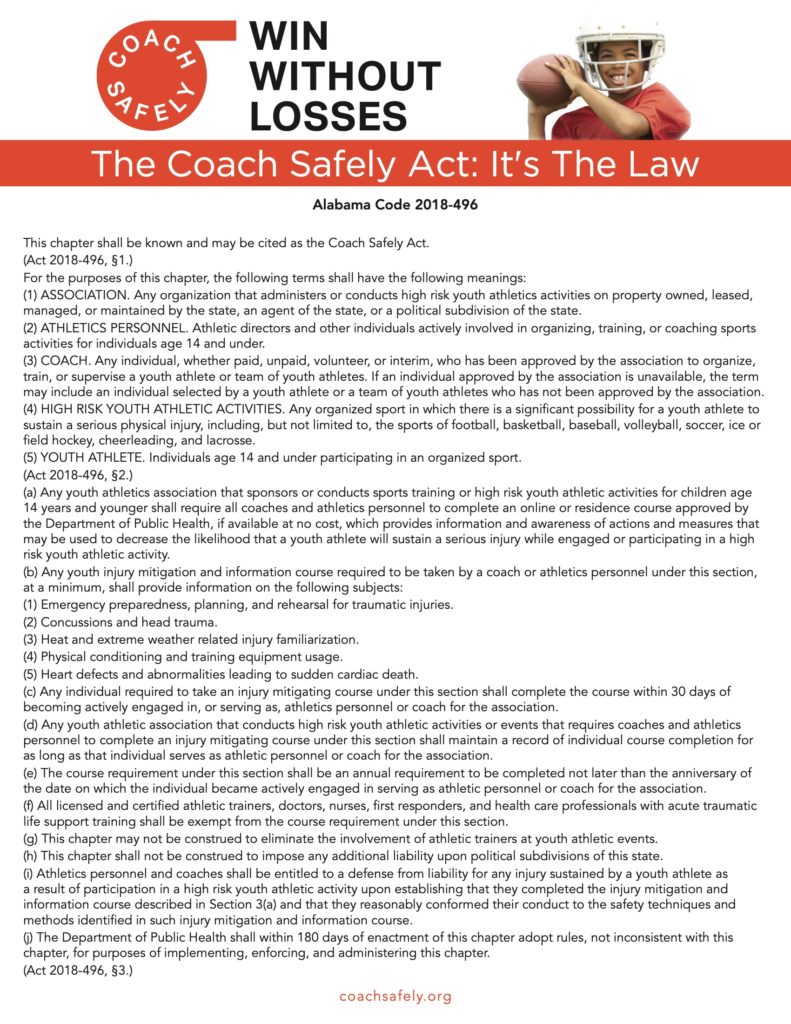
2. Coach Safely--Complete this second. THIS IS A STATE LAW TO BE COMPLETED EACH YEAR. Click on DETAILS to access course.
- Click on dropdown menu on the right corner.
- Click “Sign up” or enter your zip code -it is free for ASA members
- Complete your account information & click submit
- You will be able to take the course immediately!
- Your certificate will be generated and able to print when you have completed the course (watched all videos & completed all quizzes)
Once you have completed the course and finished all the questions, you will receive the certificate of completion. Please upload the final completed certificate to your GotSport Coaching/Manager page under requirements for CoachSafely/Other.
Already have an account? Login to https://course.playsafelysports.com/ to complete.
3. Safe Sports--We suggest to complete this task last since it take about 90 minutes for Year 1.
SafeSport Training is a federally required annual training with a four-year cycle. To be risk approved, ONE of the following four (4) SafeSport courses must be completed each seasonal year. ASA's seasonal year runs August 1 through July 31.
* Year 1: SafeSport Trained - U.S. Soccer Federation
* Year 2: SafeSport Refresher 1
* Year 3: SafeSport Refresher 2
* Year 4: SafeSport Refresher 3
* Year 5: Cycle Repeats
Instructions
* To complete a SafeSport Training, click the blue "Start Course" button above. Once completed please allow at least 5-10 minutes for your training to sync completed in your ASA risk account in GotSport.
- If you have previously completed a SafeSport training, your user name should be your email address. If you do not know or remember your password, click "Forgot Password" to claim your account.
- If you aren't sure whether you have an existing account, we strongly recommend you try the "Forgot Password" process.
- If you have not previously completed a SafeSport training, please sign up to create your account.
* To sync a current SafeSport Training, click the yellow "Check Records" button below to sync based on an exact match of your first name, last name, and email address. Please allow up to 15 seconds to display your result.
If a record is found/synced and the requirement is marked "Fulfilled", no further action is needed.
If the sync does not work, please manually enter your completion code found at the bottom of your SafeSport certificate.
To download a copy of your completion certificate, go to the "Transcripts" menu of your SafeSportTraining.org account.
Adult Athletes are athletes who are 18 years of age or older who have regular contact participating on teams with "Minor Athletes" (this includes, but is not limited to training, scrimmages, games, etc.)
Players 18+ years-old or will turn 18-years-old by July 31st each seasonal year must also complete a SafeSport training prior to carding. For players turning 18-years-old during the seasonal year, parent/guardian consent MUST be obtained PRIOR to completing the training directly through GotSport. Follow the instructions above to complete or sync a training.
ProTip: Keep SafeSports open in a separate tab & browser, so you do not have to restart. If you flip back and forth between tabs, the course may start over.
Your ASA registration is not complete until you satisfy ASA's risk requirements each seasonal year. In the event of an incident or claim, you may not be covered until properly registered and risk approved.
The overall process may take up to 3 hours depending. You can always go back if you are unable to complete in one sitting. If you need assistance, please reach out to Megan Montgomery, Risk Management Coordinator